Royalty Free Map of South Africa
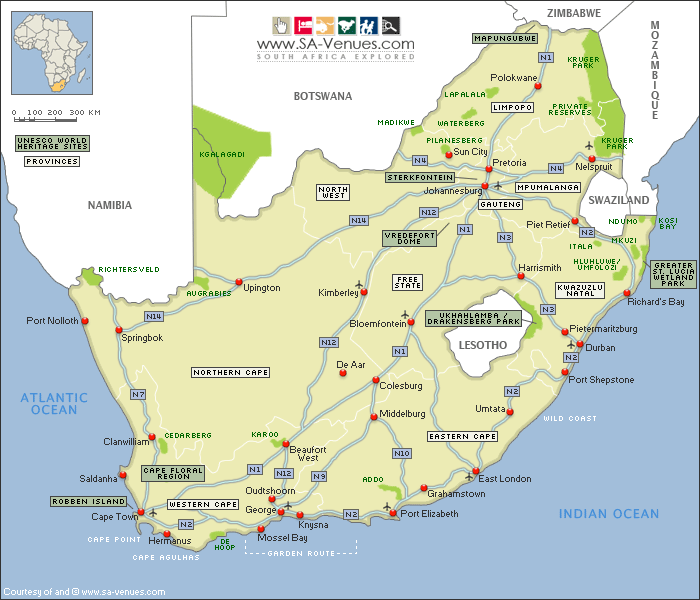
This South Africa map is available and free to use, in large format (700 x 600 pixels), on your website or in your research papers and projects. The map is also freely available for anyone to use in print quality (1,200 dpi A4 or 2,400 dpi A3.
The 'Deets'
The Map Shows• South Africa's 9 Provinces
• Major Cities
• National Roads
• National Parks
• UNESCO World Heritage Sites
 For Website Use• Download map (69 kb)
 For Print Use (high quality pdf)• Download A4 Large Landscape (71 kb)
• Download A3 Large Landscape (71 kb)
Terms & Conditions of Use
The map may be downloaded via the links provided above and freely used in any medium. The only request we have is that if the map is used on a web site, that a link or mention would be appreciated.
View Maps by Province
Maps of South Africa
Special Interests by Map
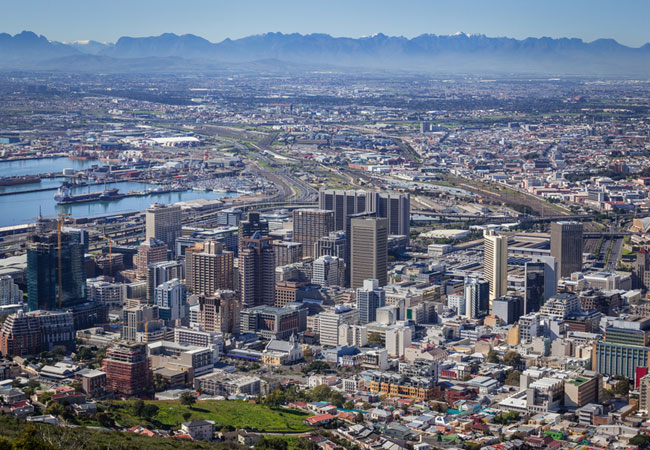 Cape Town
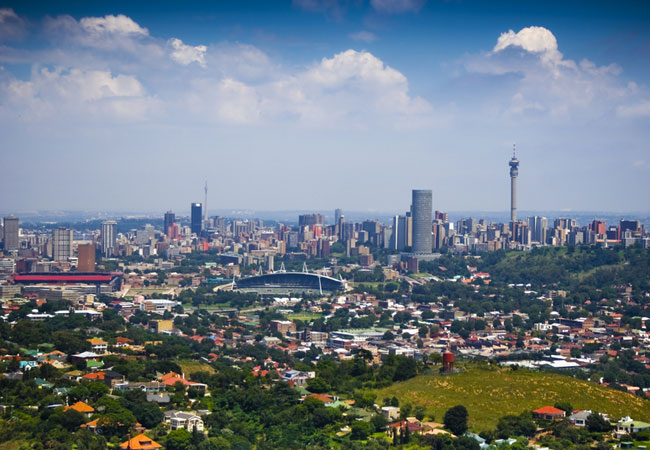 Johannesburg
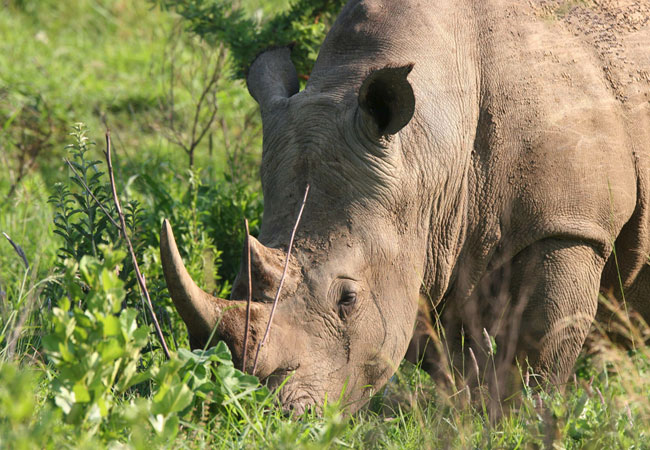 Kruger Park
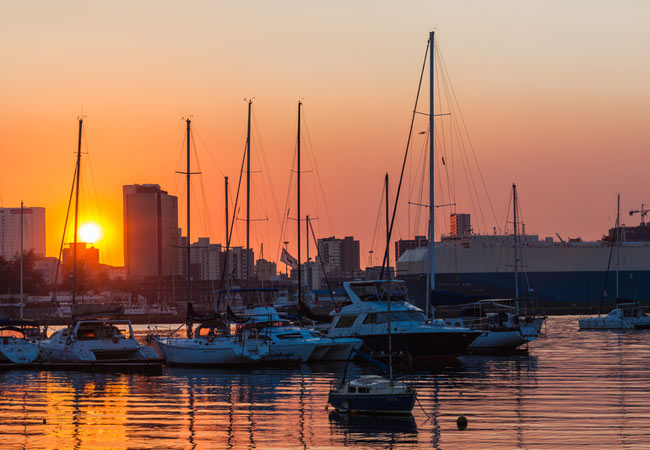 Durban
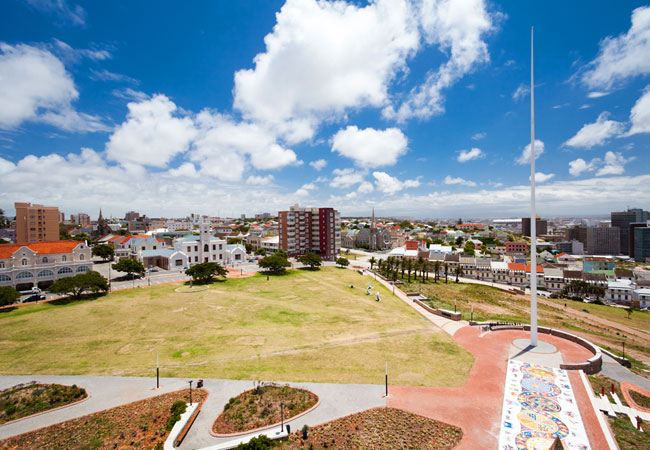 Port Elizabeth
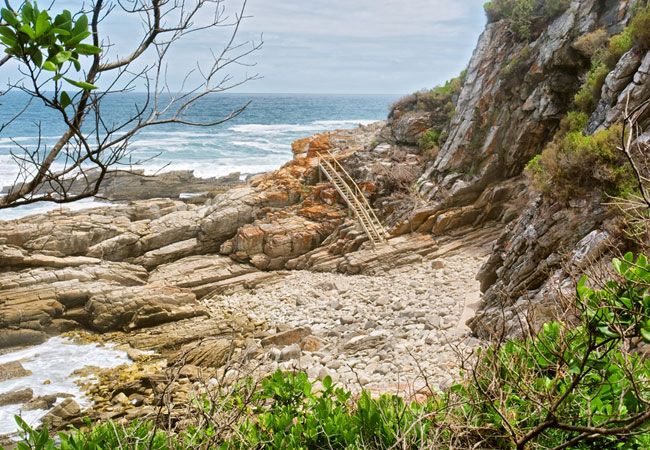 Tsitsikamma
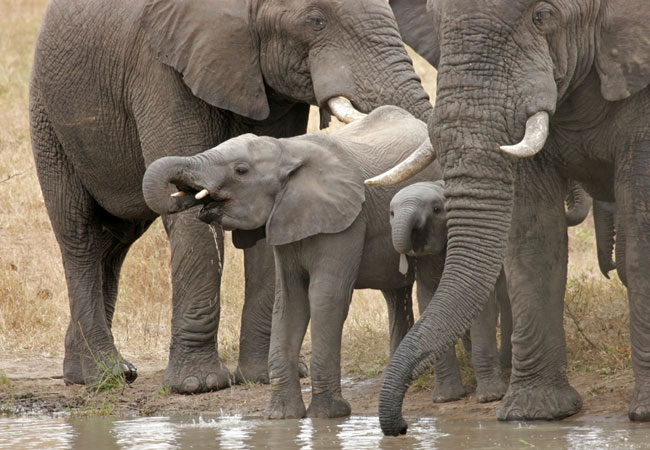 Addo Elephant Park
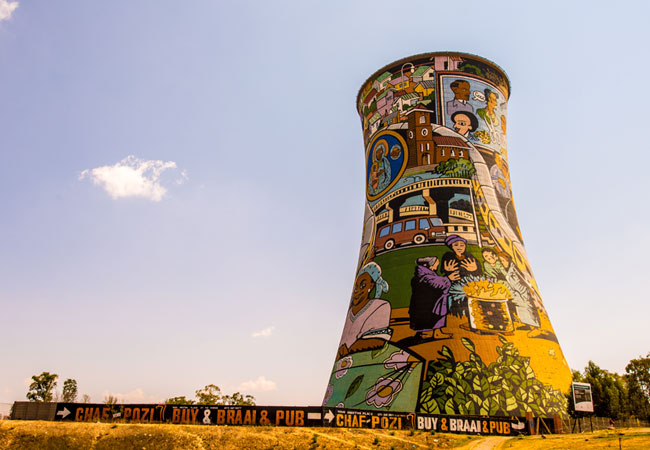 Soweto
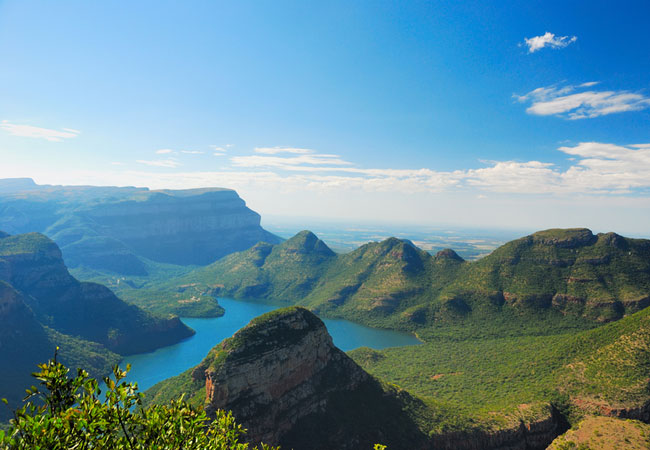 Blyde River Canyon
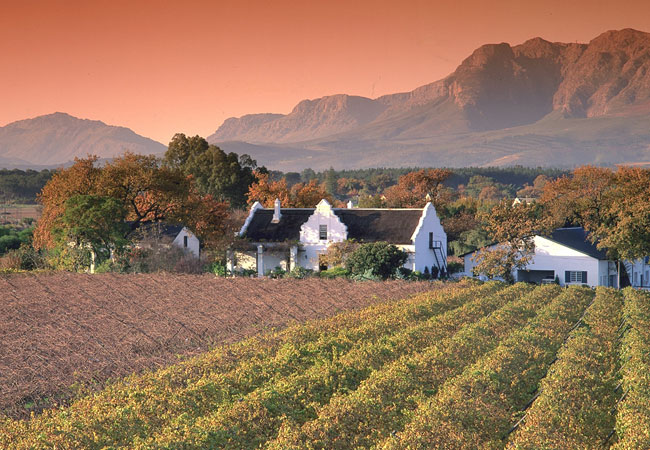 Cape Winelands
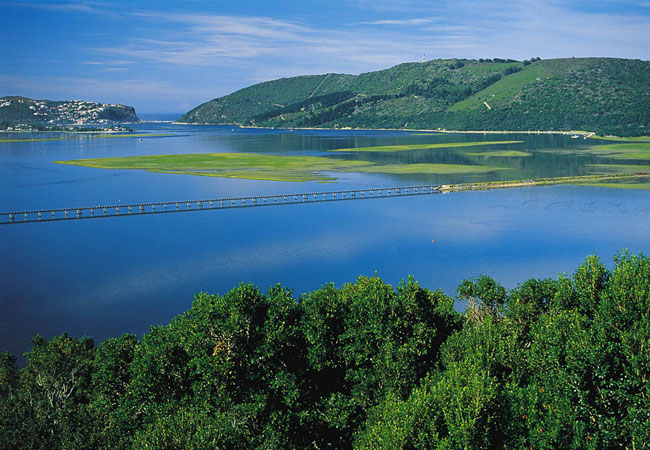 Knysna
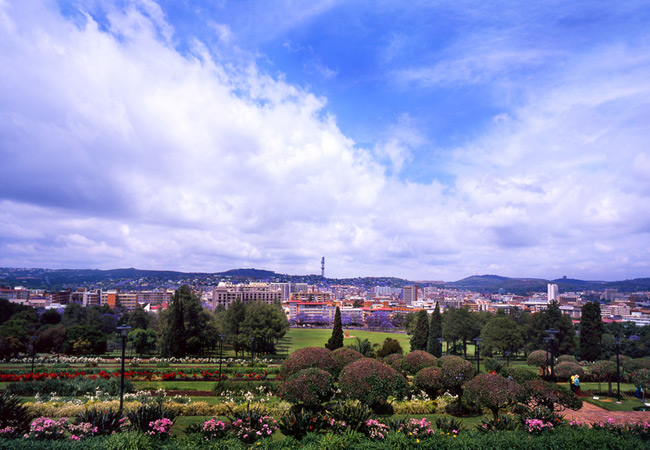 Pretoria
Tips & Information for Tourists
- Travelling to South Africa? We make it easy for you to plan your trip online. We have some useful tips for tourists and then start planning your trip with our introduction to South Africa.
- By Province
- Getting to South Africa
- Getting Around in South Africa
- South Africa's Climate
- Exchange Rates and Currency
- Maps / Atlas
- Malaria Risk Areas
- Wildlife
- Birdlife
- Plant Life
- Languages and Culture
- South African Cuisine
- Top Attractions in South Africa
- Popular Tourist Routes
- Travel & Tourism Resources
- Find a Hotel
SA-Venues.com® has been assisting travellers with their South Africa travel plans since 1999, and is the largest, independent online travel guide for South Africa available in both English and German.
SA-Venues.com © 1999-2026. All Rights Reserved. Find and book hotels and accommodation in South Africa. Sitemap